Understand the client
Turn a realistic project request into clear requirements and useful follow-up questions.
No coding experience needed.
Start with a realistic client project. Learn to plan, build, test, and publish a professional website through clear, practical lessons.
Learn website creation by doing the work, not by watching disconnected coding tutorials.
Turn a realistic project request into clear requirements and useful follow-up questions.
Request authentic resort photos, branding, room details, and design references.
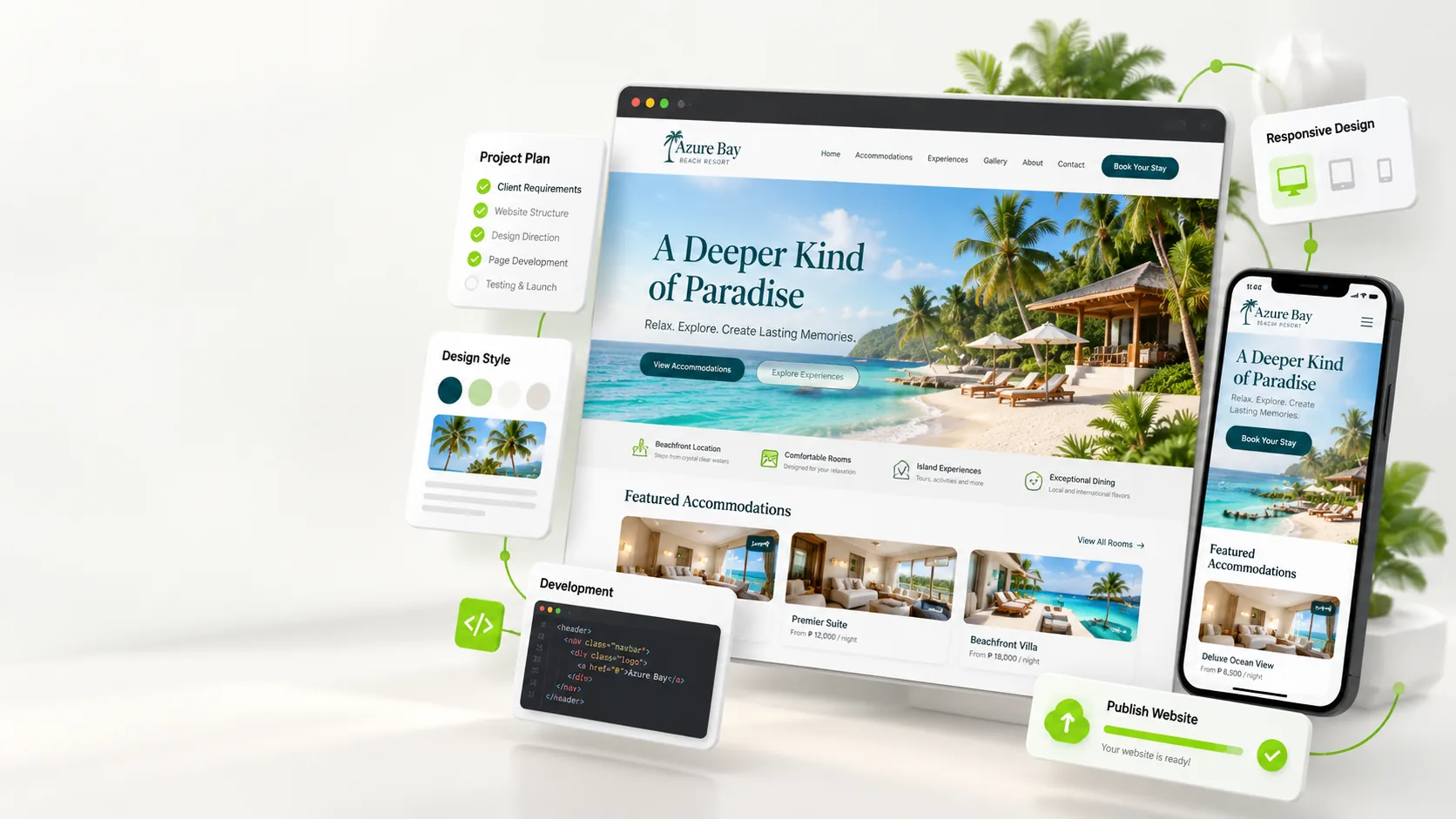
Plan the design, develop responsive pages, and learn how to review the output.
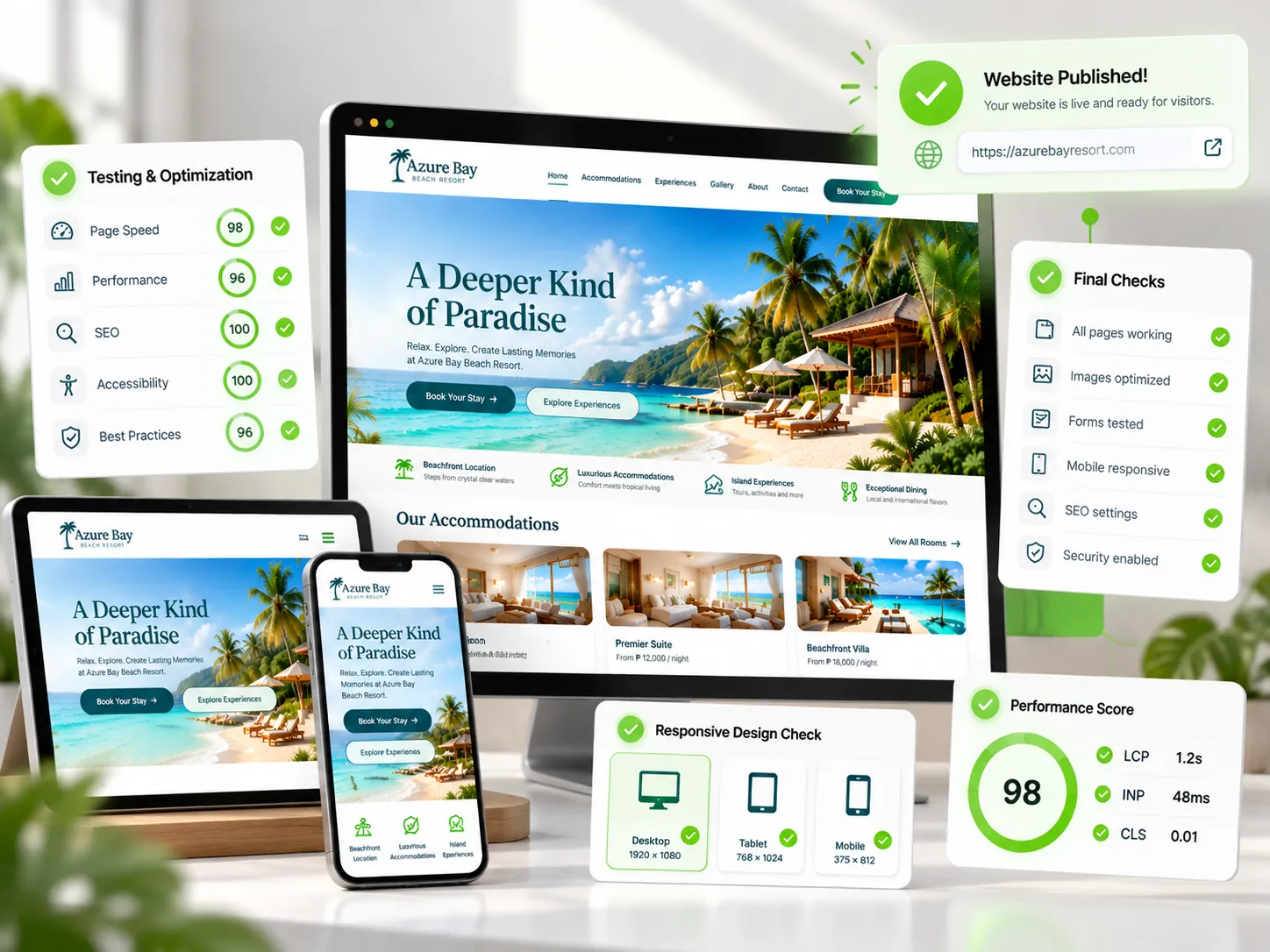
Check your website, fix issues, and prepare the completed project for review.
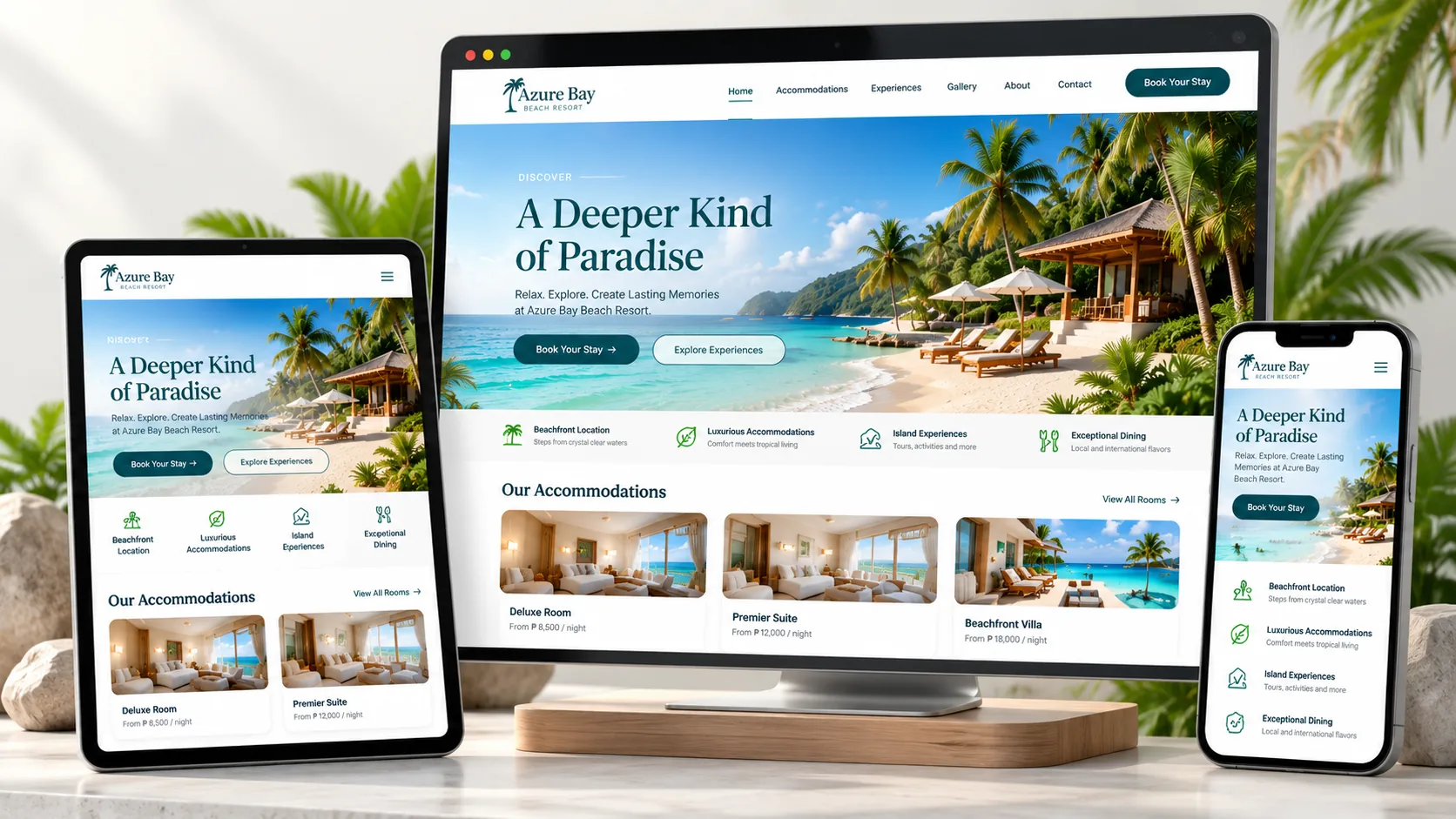
Imagine receiving a request from a resort owner who wants a beautiful website to showcase their property and receive booking inquiries.
You'll learn to ask the right questions, request actual photographs, work from the client's design or inspiration, and build a professional, responsive website.
Follow a practical process from the client's first message to a finished website.
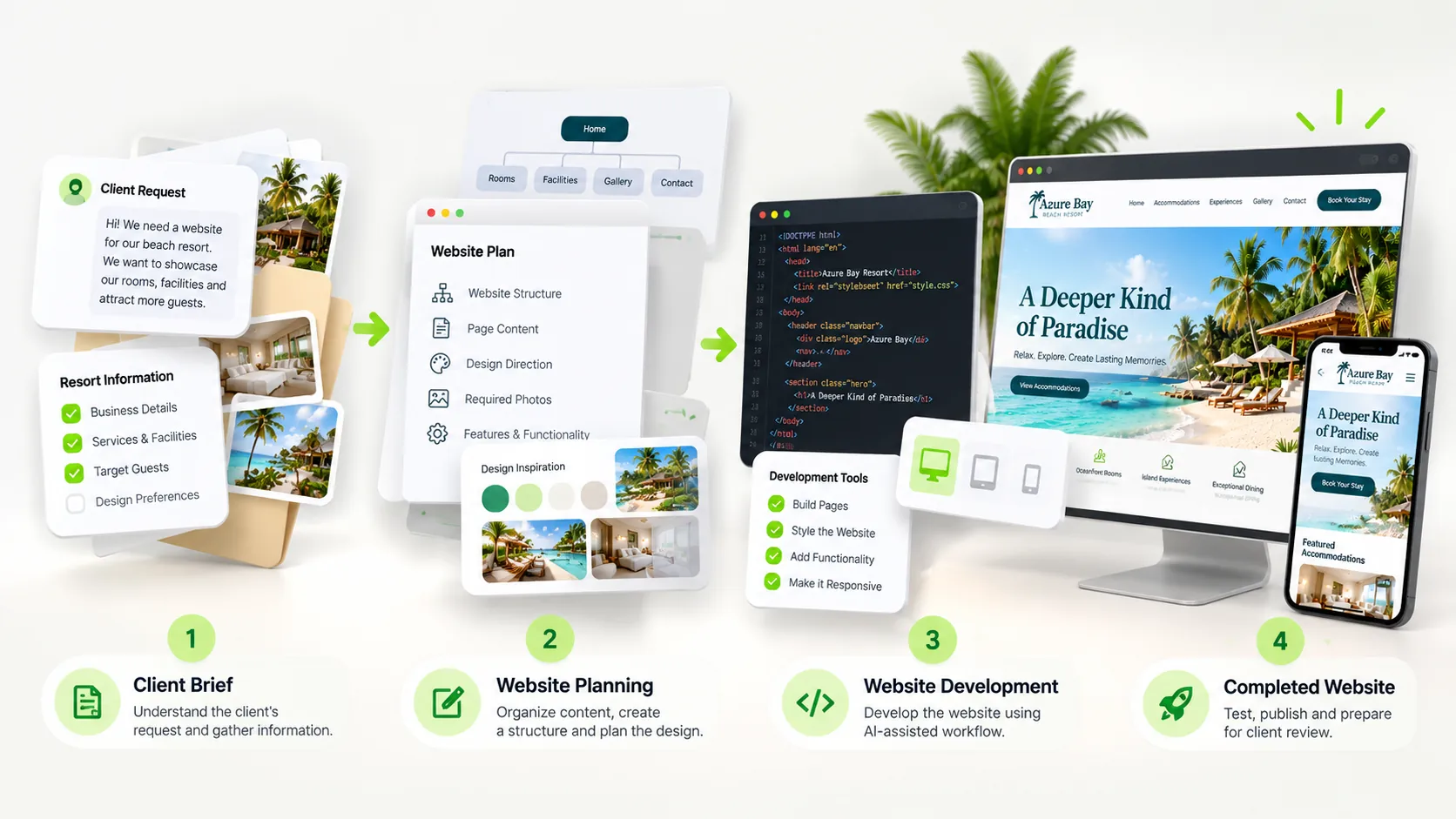
Understand the client's request and project goals.
Gather content, review design references, and organize pages.
Use AI assistance to create and refine the website.
Check responsiveness, functionality, and readiness.
A professional website starts before the first line of code. You'll practice client communication, content planning, design decisions, development, and quality checks.
See How It Works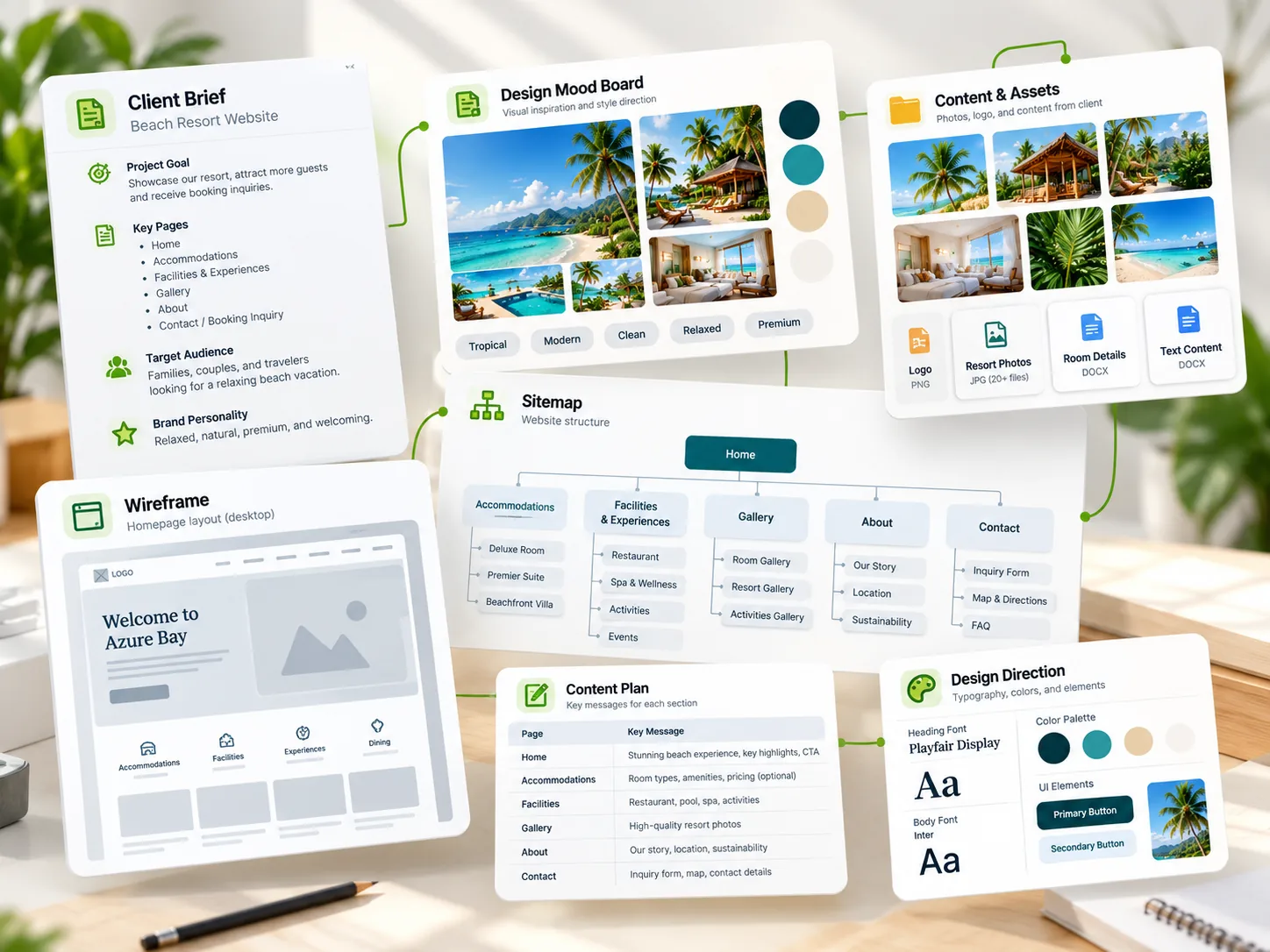
For complete beginners, aspiring freelancers, students, and business owners who want to create websites through practical projects. No previous programming experience required—just curiosity and a willingness to practice.
No. You do not need prior coding knowledge. You will use ChatGPT to help build a website with HTML, CSS, and JavaScript, then learn to review, test, and improve the results.
You will work through a fictional Beach Resort Website client project and build a responsive five-page practice website.
Follow 12 guided lessons, use ready-to-copy ChatGPT prompts, and complete practical activities in your student workspace.
The course costs ₱199 as a one-time payment, with no recurring subscription.
Enroll through WooCommerce and follow the manual GCash payment instructions. Your course access is enabled after payment is verified.
Yes. You can return to the lessons and continue learning at your own pace.
Start with a fictional client request. Follow clear instructions, copy prompts into ChatGPT, and build your website one lesson at a time.
Explore Courses ↗